Image Description Guide: How to Describe Any Image with AI
Learn how to write clear, structured image descriptions for accessibility, SEO, social media, and e-commerce.
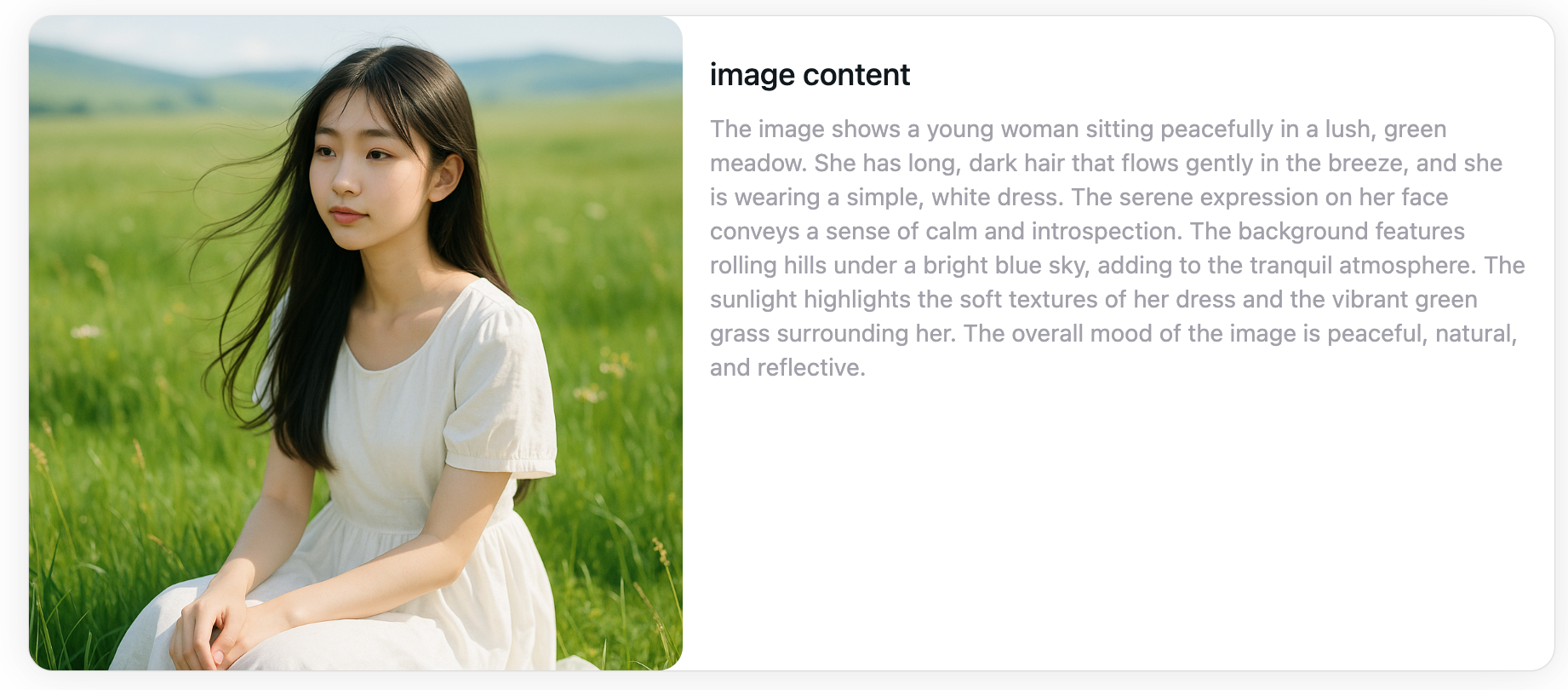
What is an Image Description?
An image description is a written explanation of what is shown in an image. Depending on page context, descriptive text can support screen reader users, help publishers explain visual content, and provide useful image context for search workflows.
Accessibility
Image descriptions make content accessible to visually impaired users who use screen readers. Quality alt text ensures everyone can understand your visual content.
SEO Benefits
Search engines can't see images directly, but they can read image descriptions to understand and index your visual content for better rankings.
Social Media
Compelling descriptions increase engagement on Instagram, Facebook, Twitter, and other platforms. Learn how to describe an image for maximum impact.
E-commerce
Product image descriptions can help customers understand visible product details when the text is checked against verified product information.
What Makes a Good Image Description?
A quality image description should be clear, concise, and relevant. Here's what to consider when you describe an image:
Clear
Use simple, easy-to-understand language. Avoid jargon unless necessary for your specific audience.
Concise
Get to the point quickly. For alt text, aim for 125 characters or less. For detailed descriptions, you can be more thorough.
Relevant
Focus on details that matter for your use case. A product photo needs different details than a landscape photo.
Structured
Organize information logically. Start with the most important elements and work down to smaller details.
Standard Image Description Structure
Follow this proven structure to create comprehensive image descriptions every time:
Subject
What is the main focus of the image? (e.g., A woman, A red handbag, A city skyline)
Action
What is happening in the image? (e.g., walking, sitting, holding, flying)
Environment
Where is the scene set? (e.g., on a city street, in a studio, at the beach)
Style
What is the visual style or mood? (e.g., modern, vintage, professional, casual)
Colors
What are the prominent colors? (e.g., red, blue, neutral tones, vibrant colors)
Details
What small details are worth mentioning? (e.g., gold clasps, leather texture, brand logo)
Analysis
What is the overall impression or meaning? (e.g., suggests luxury, conveys happiness, represents innovation)
Image Description Examples by Use Case
See how image descriptions vary based on purpose and context:
Alt Text Example
A woman holding a red handbag while walking on a city street. Short, accurate, and focused on key visual elements for accessibility.
Social Media Caption Example
A stylish woman walking through downtown with a bold red handbag, capturing a modern urban vibe. Perfect for Instagram or Facebook engagement.
E-commerce Product Description Example
Subject: Handbag | Material: Crocodile textured leather | Color: Beige | Hardware: Gold-tone clasps | Style: Luxury | Details: Structured body, top handle, front pocket - Ideal for online product listings.
Detailed Image Description Example
Subject: Medium-sized handbag with crocodile texture | Style: Sleek and sophisticated | Color: Soft beige | Material: Textured leather | Hardware: Shiny gold clasp | Layout: Structured body with curved top handle | Analysis: Elegant and luxurious design suitable for professional settings.
How AI Can Generate Image Descriptions
Our AI-powered image description generator automates the process of describing images. Here's how artificial intelligence helps:
Automatic Content Recognition
AI instantly identifies objects, people, scenes, text, and other elements in your images without manual input.
Structured Output
Get consistently organized descriptions following proven frameworks like Subject-Action-Environment-Style.
Multi-language Support
Generate image descriptions in 35+ languages for global audiences and international SEO.
Use Case Optimization
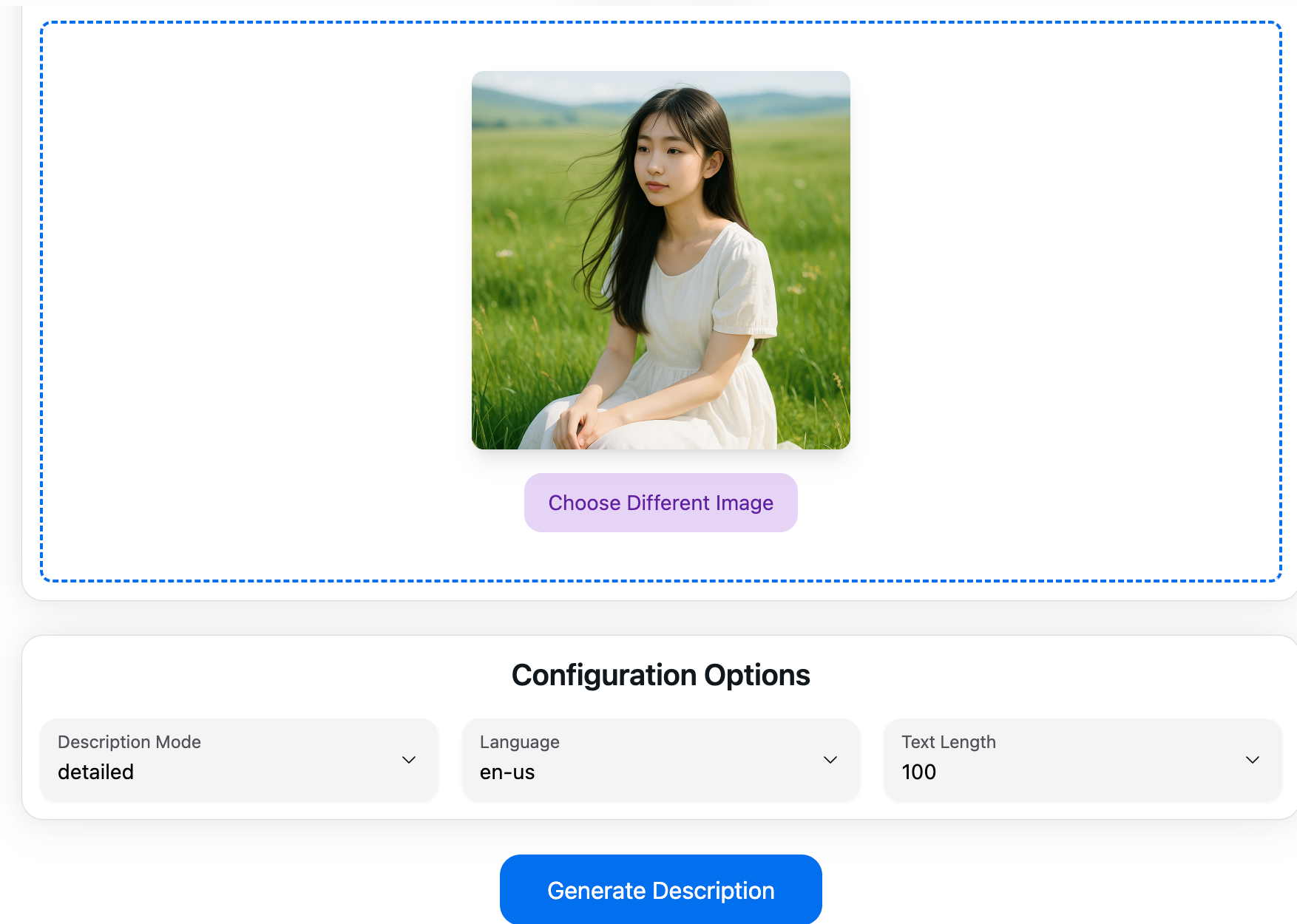
Choose from different modes: detailed descriptions, alt text, social media captions, e-commerce listings, and more.
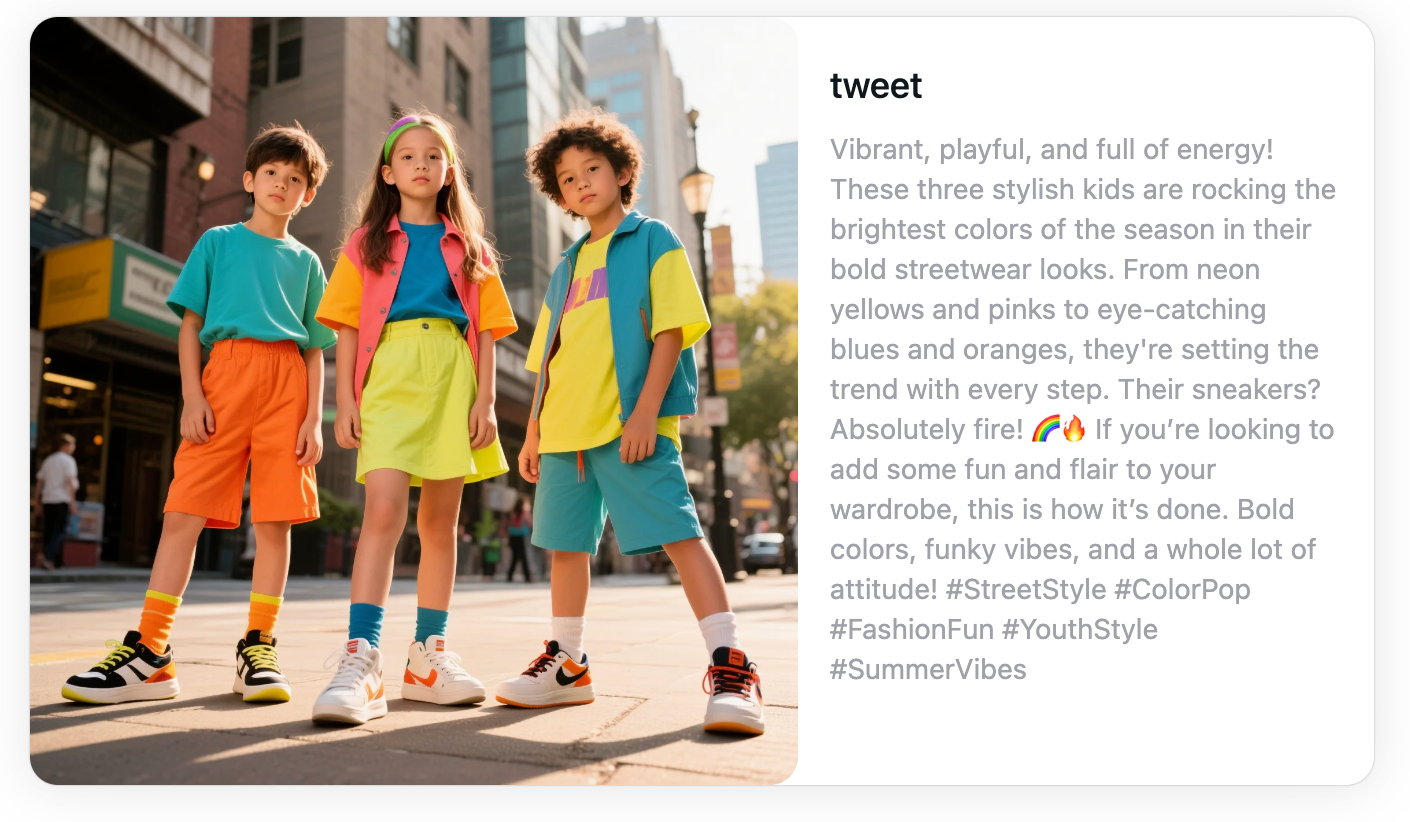
Try Our AI Image Description Generator
Generate an editable image description draft, then review it for your intended use.

AI Image Description Generator
Generate detailed descriptions using advanced AI technology. Perfect for any image type.

Photo Description Generator
Specifically optimized for photos. Create captions for social media and more.

Picture Description Generator
Describe any picture instantly. Great for illustrations, graphics, and photos.
FAQ - Frequently Asked Questions
Common questions about image descriptions:
Start Generating Image Descriptions
Try the tool to create an editable image description draft. Basic use is available without signup; verification and limits may apply.