AI Image Description Generator
What do you need from this image?
Upload an image, choose an output type, and generate a description, alt text draft, social caption, SEO copy, or visual analysis in seconds.
Your image
Drop an image here
or browse files / paste from clipboard
Supports JPG, PNG, WebP, GIF formats, max 5MB
No image selected
JPG, PNG, WebP or GIF up to 5MB
Only upload images you have permission to use. Uploaded files and generation records may be processed or stored by the service and its providers as described in our Privacy Policy.
Your description
Marketing Copy
Standard
AI-generated text may be incomplete or inaccurate. Review and edit the result before using it for accessibility, publishing, product listings, or other important purposes.
Add guidance
What is Image Description Generator?
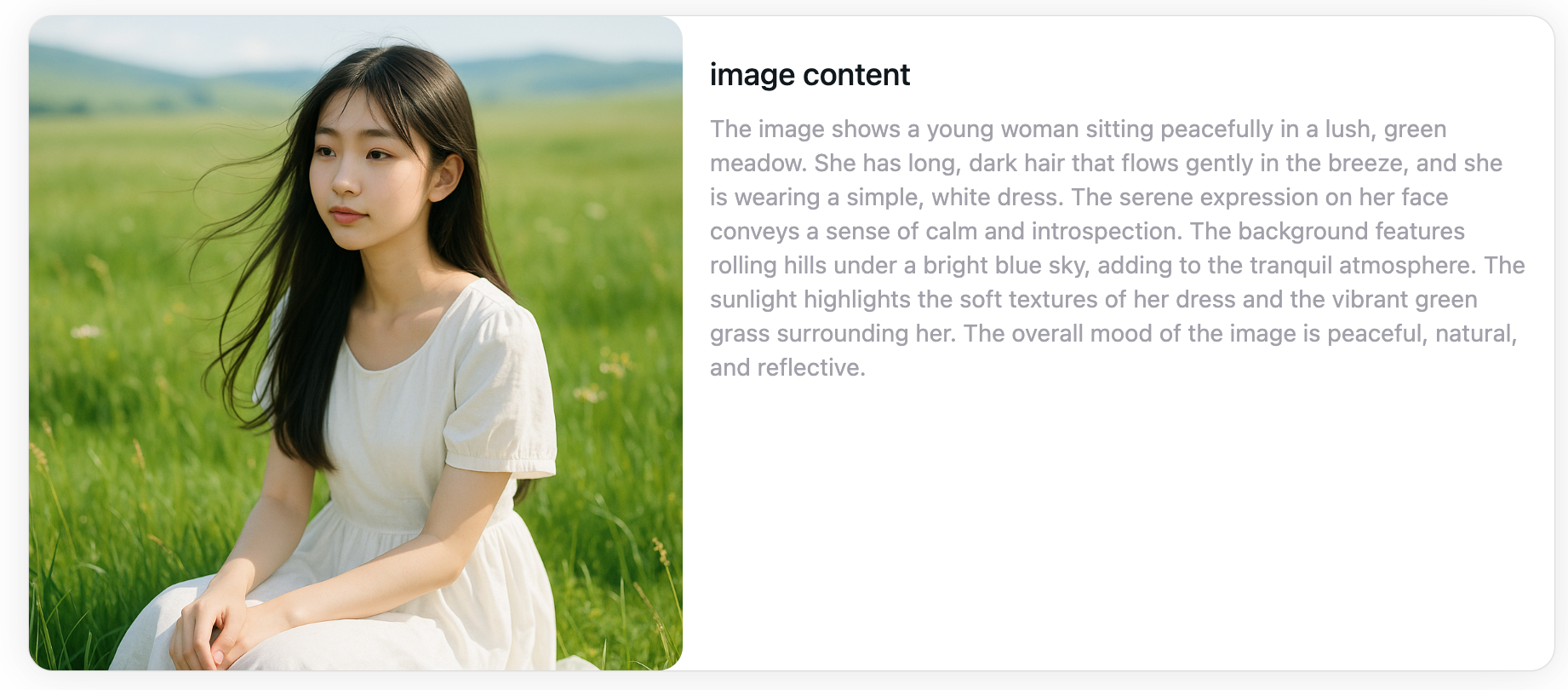
Image Description Generator is an online AI tool that turns visual content into editable text. You can use it to prepare image descriptions, alt text drafts, social captions, product copy, image-to-prompt text, and structured visual analysis.
Basic access without an account
Basic generation is available without creating an account. Some requests may require security verification, and usage limits may apply.
Review before publishing
Generated text should be reviewed before publication, especially when accuracy, accessibility, safety, or legal compliance matters.

Why Image Descriptions Matter
Clear image descriptions help people understand visual content and reuse it across accessibility, publishing, search, social media, and documentation workflows.

Accessibility Support
Create an alt text draft that explains the most important visible information. Always review the output in the context of the page where the image will appear.
Content and Documentation
Turn screenshots, photos, diagrams, and product images into editable text for articles, notes, documentation, and content planning.
Social and Marketing Drafts
Prepare caption and marketing-copy drafts, then edit the tone, facts, and claims to match your audience and brand.
SEO Workflows
Generate descriptive titles, metadata drafts, and image context that can support your SEO workflow without guaranteeing rankings.
How It Works
Use the image as a starting point, choose the text you need, add context, and review the generated draft.
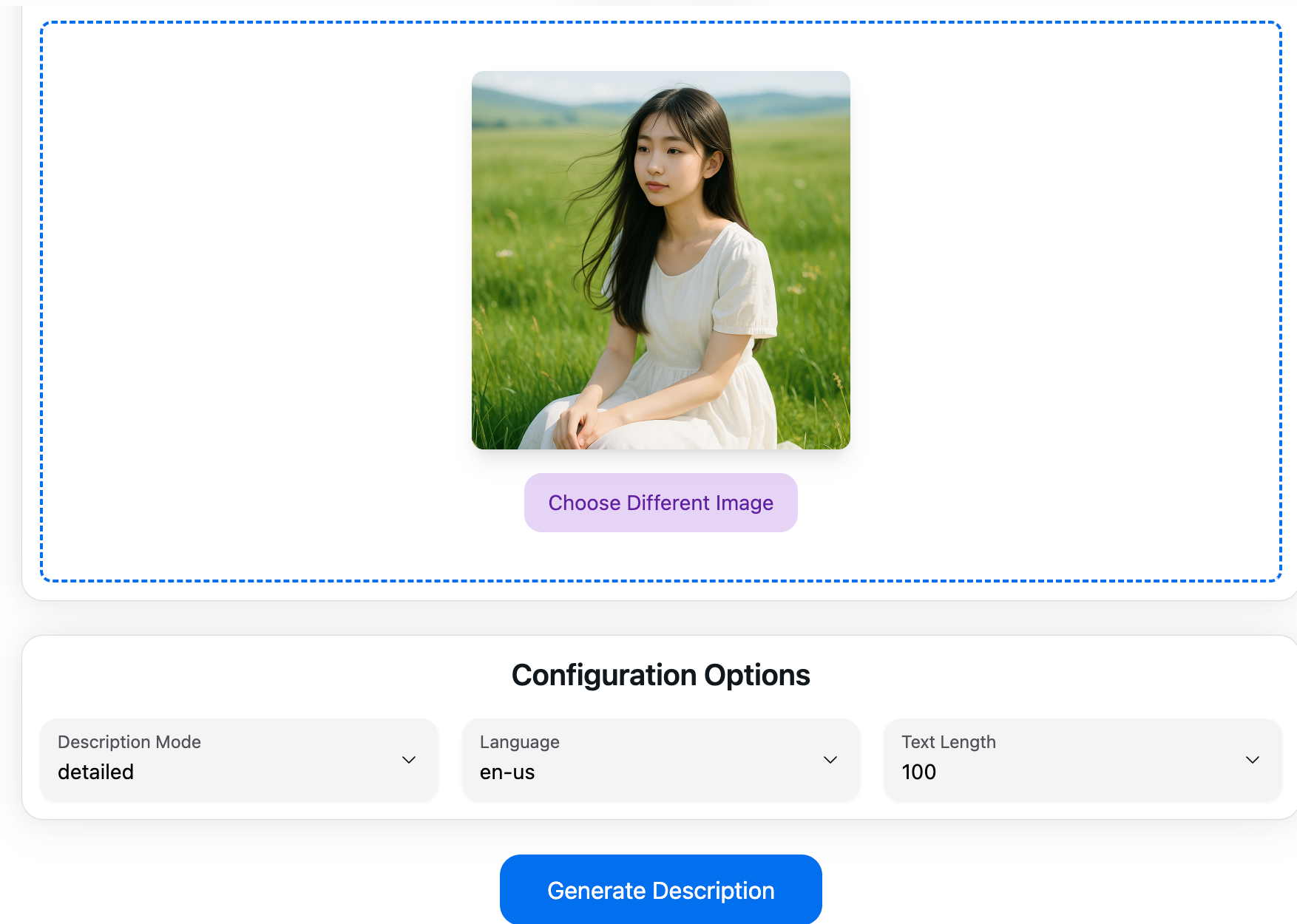
1. Upload an Image
Choose a JPG, PNG, WebP, GIF, or supported image file that you have permission to process.
2. Choose an Output Type
Select a description, alt text, caption, prompt, SEO draft, or analysis format.
3. Add Context
Optionally add guidance about the purpose, audience, tone, or details you want the result to focus on.
4. Review the Result
Check names, numbers, visible text, locations, accessibility context, and product facts before copying or publishing the generated text.

Useful Output for Different Workflows
Generate an editable first draft, then refine it for the page, platform, document, or audience where it will be used.
Multi-Format Output
Create descriptions, alt text drafts, captions, prompts, SEO copy, OCR-style text extraction, and structured analysis from the same image.
Multiple Languages
Generate text in supported languages for international content workflows. Review translations and culturally sensitive wording before publishing.
Editable Results
Copy, refine, and adapt the generated text for your page, document, store listing, social post, or internal workflow.
Security and Privacy Information
Uploads are processed to provide generation and history features. Files, URLs, prompts, results, and operational records may be stored by the service or its providers. See the Privacy Policy for details.
Who Uses This Tool
Image Description Generator is designed for people who need an editable text draft based on an image.
Content Creators
Prepare captions and image notes.
Website Teams
Draft alt text and metadata.
Store Owners
Create product-description starting points.
Educators and Students
Describe diagrams and learning materials.
Documentation Teams
Convert screenshots and visuals into structured notes.
Accessibility Reviewers
Prepare alt text drafts for human review.
More Image Description Resources
Choose a focused tool or learn how to review image descriptions.
Frequently Asked Questions
Important information about access, storage, accuracy, accessibility, and reuse.
Create an Editable Image Description Draft
Upload an image, choose the output you need, and review the generated text before publishing.